Add Astra Panel to your iPhone Home Screen
Install Astra Panel on your iPhone in 3 quick steps. Once installed, it opens like a native app — full screen, no browser bars.
Important: You must use Safari on iPhone. Chrome and other browsers on iOS do not support installing web apps.
- 1
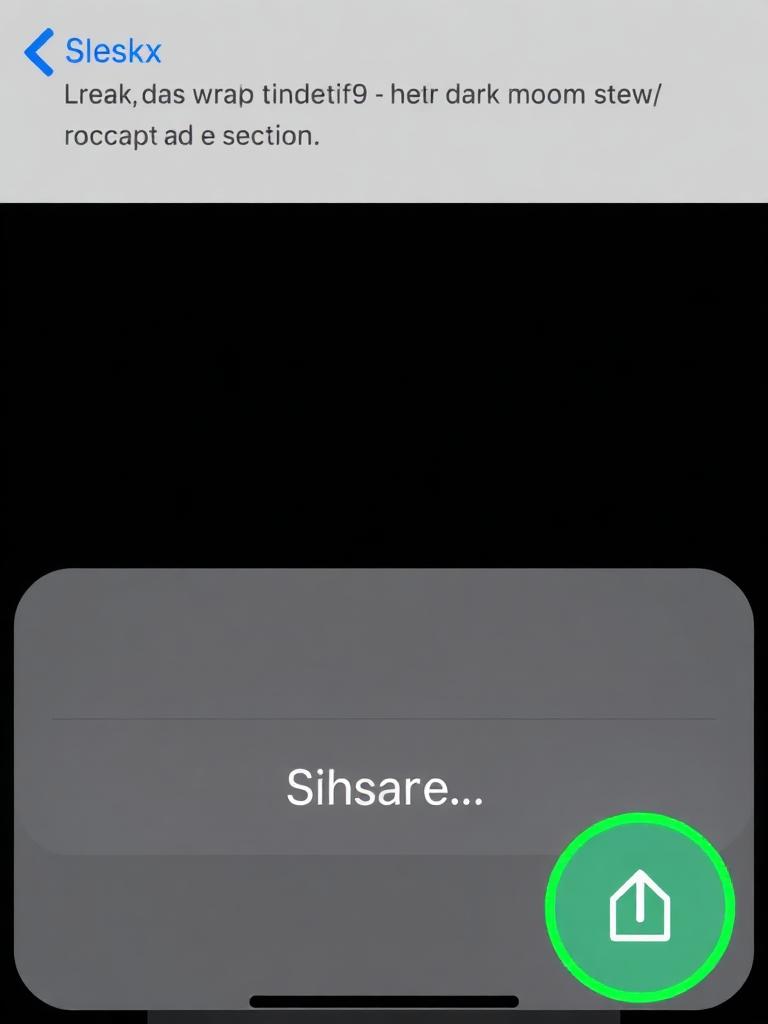
Tap the Share button
Open Astra Panel in Safari on your iPhone, then tap the Share icon in the bottom toolbar (a square with an arrow pointing up).
- 2
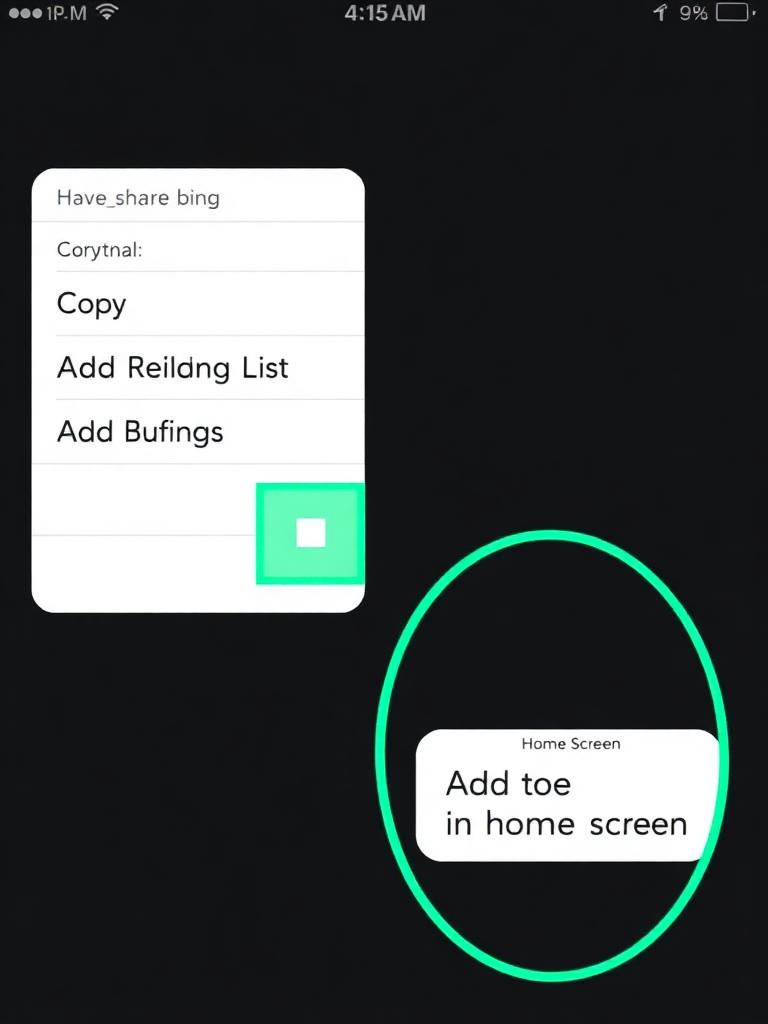
Choose 'Add to Home Screen'
Scroll down inside the Share sheet and tap 'Add to Home Screen'. If you don't see it, tap 'Edit Actions' and enable it.
- 3
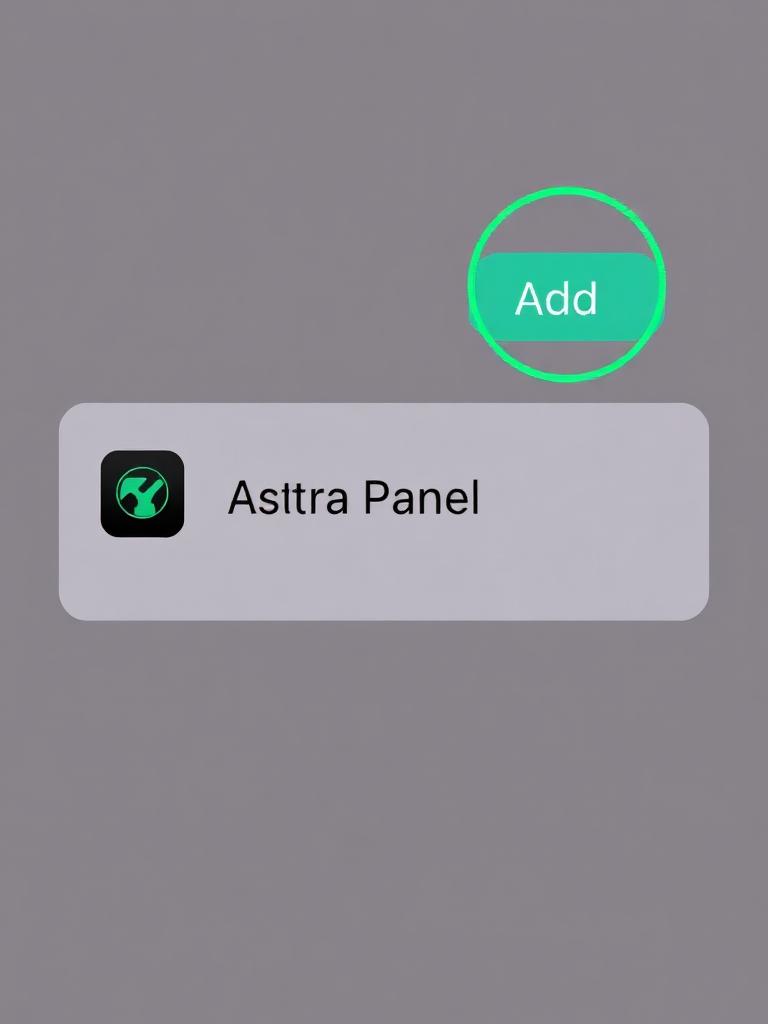
Tap 'Add' to confirm
You'll see the app preview with the name 'Astra Panel'. Tap 'Add' in the top-right corner. The app icon will appear on your Home Screen.
All done! 🎉
Find the Astra Panel icon on your Home Screen and tap to launch.